
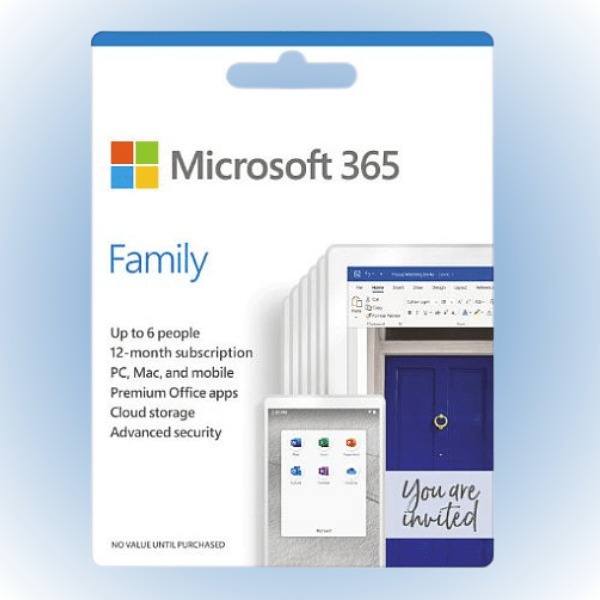
Microsoft Office 365 Family for 6 Devices (PC/Mac) CD Key
Microsoft Office 365 Family (PC/Mac) – 6 Devices, 6 Months – Microsoft Key – GLOBAL Microsoft Office 365 Family (PC/Mac) – 6 Devices, 6 Months – Microsoft Key – GLOBAL $37.48 BUY NOW G2a.com MS Office 365 Family Key (6 Months / 6 Devices) MS Office 365 Family Key (6 Months / 6 Devices) $56.55 […]
$7.07

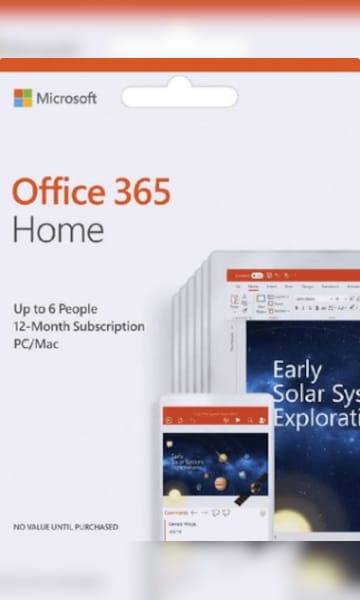
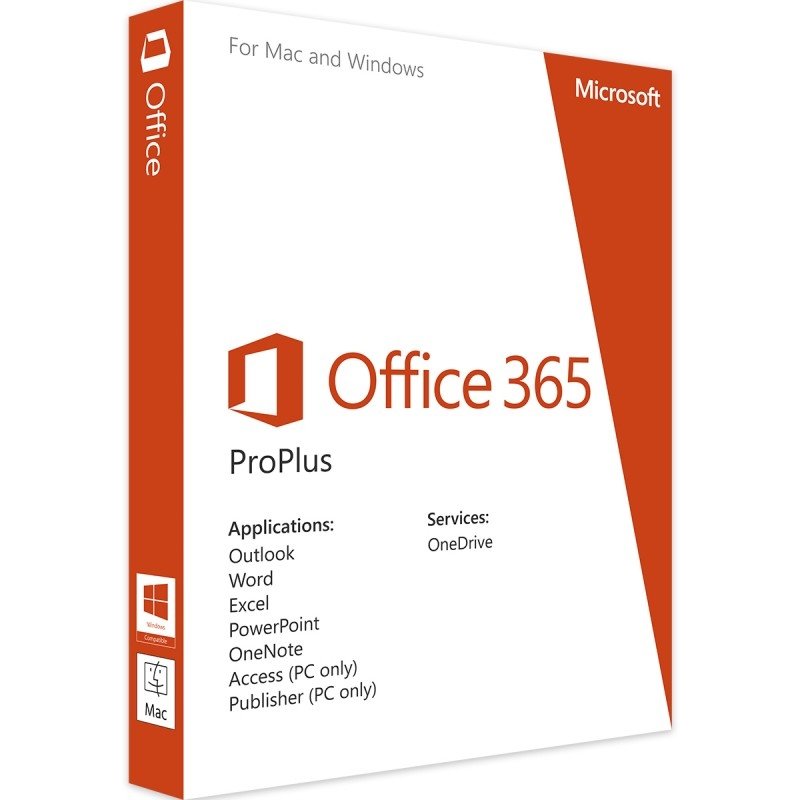
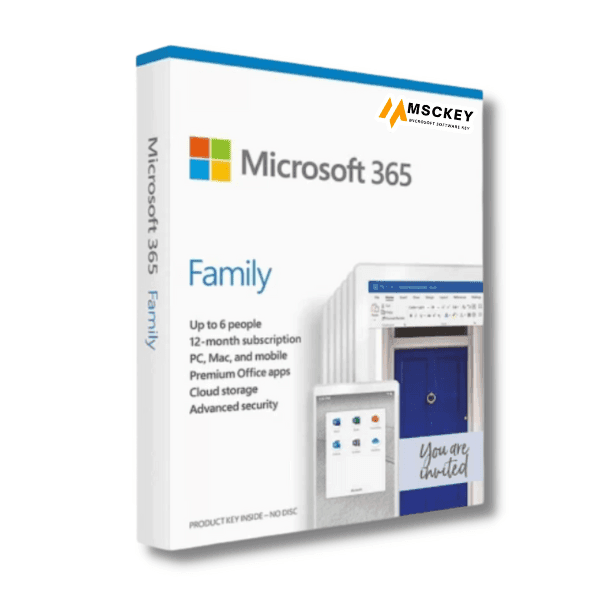
Microsoft Office 365 Family was released on April 21, 2020. SInce its release, it has revolutionized the way you work, learn, and connect with your loved ones. Whether you’re a busy professional, a student, or a family looking to stay connected and organized, the Family edition of Office 365 is your gateway to a comprehensive suite of tools designed to elevate your productivity and simplify your digital life for the modern age! So, activate your Microsoft cheap Office 365 product Key today and embark on a thrilling journey of productivity, creativity, and collaboration like never before!
What’s Included?
- New Genuine Activation Key for Microsoft Office 365 Family
- An unused, brand new product key for Microsoft Office 365 Family, which can be used to activate the software legitimately on the Microsoft website.
- Download link also available
- For up to 6 people and 5 devices per person;
- 6 TB of cloud storage (1 TB per person)
- Support all languages version. Works Worldwide
- Complete access to the entire suite of Microsoft 365 applications and tools.
- Use on Windows PC, Mac, iPads, iPhones, Android Phones & Tablets
- Outlook ad-free secure email
- Expanded content library of high-quality photos, icons, fonts, videos, and audio.
- Additional features in the Microsoft Family Safety mobile app
What Benefits can you avail with Office 365 Family CD Key
Unleash your productivity potential with Microsoft Office 365 Family Product Key! Here are the exciting benefits you can enjoy:
Unlimited Creativity
Dive into a world of boundless creativity with the full suite of Office applications like Word, Excel, PowerPoint, and more! Bring your ideas to life with captivating presentations, stunning documents, and idea sharing. Gain valuable insights and make data-driven strategies with powerful business intelligence tool like Power BI.
Collaborate in Real-Time
Say goodbye to email back-and-forths! Work seamlessly with family members, friends, or colleagues on the same documents simultaneously. Experience the joy of co-authoring and brainstorming together from anywhere in the world.
Access Anywhere, Anytime
With cloud-powered OneDrive storage, your documents and files are always at your fingertips. Access and edit your work from your PC, Mac, tablet, or smartphone. Embrace the freedom to work from any location and any device and ensure productivity never takes a backseat!
Cross-Collaboration with Microsoft Teams:
Collaborate seamlessly with Microsoft Teams, a thriving collaboration tool. MS Teams combines calling features, file storage, and instant messaging. SharePoint further simplifies sharing and accessibility of documents to nurture teamwork across your organization.
Family Bonding with Office 365 Family Sharing
Share the love of productivity with up to six users in your household. Each user in the household can install Office on on their preferred devices like PC, macOS, tablets, and smartphones.
Enhance teamwork and strengthen family ties as everyone enjoys their freedom of work and personalized Office experience.
Stay Updated and Secure:
Enjoy peace of mind with automatic updates, security patches, and exciting feature enhancements. Benefit from cutting-edge features and enhanced security measures to safeguard your business data.
Difference Between Microsoft 365 Family and Personal
The Office 365 Family plan offers several benefits for households and families. Here are some compelling reasons why you might consider Microsoft 365 Family over Microsoft 365 Personal:
| Features | Microsoft 365 Family | Microsoft 365 Personal |
| Number of users | 1-6 people | 1 person |
| Cloud Storage | Up to 6 TB (1 TB per person) | 1 TB |
| Multiple devices and platforms | Yes | Yes |
| Microsoft Family Safety | Yes | No |
| Premium desktop apps | Word, Excel, PowerPoint, OneNote, Outlook, Publisher, and Access (for Windows only) | Word, Excel, PowerPoint, OneNote, and Outlook |
| Family sharing | Yes | No |
| Skype calling | Includes 60 minutes of Skype calling per month to various countries. | Yes |
| Advanced security features | Yes | No |
Office 365 Personal is a suitable option for individuals or single-device use. But if you are looking for collaborative features, cost-sharing benefits, and personalized accounts for each member, then the Family update of Microsoft Office 365 is a superior option.
System Requirements for Microsoft Office 365 Family
Computer and processor:
Windows OS: 1.6 GHz or faster, 2-core
macOS: 1.4 GHz or faster, 64-bit processor
Memory:
Windows OS: 4 GB RAM; 2 GB RAM (32-bit)
macOS: 4 GB RAM
Hard disk:
Windows OS: 4 GB of available disk space
macOS: 12 GB of available disk space
Display:
Windows OS: 1280 x 768 screen resolution (32-bit requires hardware acceleration for 4K and higher)
macOS: 1280 x 800 screen resolution
Graphics:
Windows OS: Graphics hardware acceleration requires DirectX 9 or later, with WDDM 2.0 or higher for Windows 10
macOS: No graphics requirements
NET Version:
Some features may require .NET 3.5 or 4.6 and higher to also be installed
Additional Requirements:
Internet access, Microsoft account.
Discover the Best Deals for Microsoft Office 365 Family CD Key from Cdkeystations.
Cdkeystations is your ultimate destination for finding the best deals for Microsoft Office 365 Family CD Key. With our comprehensive comparison of online and digital stores that sells the software, you can easily select the most suitable option based on price, services, and ratings. Trust us to help you fulfill your software or application needs at the most affordable rates available online.
How will I receive the product after I purchase it?
After Completion of your payment, your product will be delivered via email instantly. In the mail, you will obtain a digital code, commonly known as CD Key. Finally, redeem the code on the official website. Don’t worry! It’s a cup of tea! So, why wait? Unleash the power of the Microsoft Office 365 Family CD Key and unlock a world of seamless connectivity today!
How to Activate Microsoft Office 365 Family after purchase?
To activate Microsoft Office 365 Family after purchase, follow these steps-
Step 1: Create a new Microsoft account. If you already have a Microsoft account, sign in using your credentials.
Step 2: Open a web browser and Redeem your code at redeem.microsoft.com
Step 3: When you purchase Office 365 Family, you will receive a product key. On the Office setup page, enter that product key.
Step 4: Once you’ve entered the product key, follow the on-screen prompts to activate Office 365 Family on your account. You may be asked to enter some additional information during this process.
Step 5: After activation, you can download and install Office applications on your devices. Go to your Microsoft account’s subscription page and select Install Office to get started.
Step 6: Open any Office application (e.g. Word, Excel, PowerPoint) on your computer. Sign in with the Microsoft account you used to activate the subscription.
Step 7: Once signed in, your Office 365 Family subscription will be activated, and you can begin using all the features and benefits that come with the subscription.
Remember that Office 365 Family allows you to share the subscription with up to 6 people in your household. So, make sure to invite and add family members to maximize the benefits of the subscription for everyone. If you encounter any issues during the activation process, you can reach out to Cdkeystations for assistance.
User Reviews
Be the first to review “Microsoft Office 365 Family for 6 Devices (PC/Mac) CD Key”
Related Products

Microsoft Office Professional Plus 2019 Product Key Lifetime
- Camera: -
- Flight time (m): -
Microsoft Office 2016 Home and Business Cheap License Key
- Camera: -
- Flight time (m): -
Microsoft Office Professional Plus 2016 Product Key
- Camera: -
- Flight time (m): -

There are no reviews yet.